Exploring the trending world of train tunnel Roblox experiences in 2024. This guide covers how developers create immersive subterranean environments using Roblox Studio and why these technical builds are currently dominating the platform. We look at the architectural secrets behind popular games like Stepford County Railway and Terminal Railways. Learn the best ways to optimize lighting and physics for smooth transit gameplay. This informational overview identifies why players love the atmosphere of tunnels and how you can master these building techniques today. Our deep dive into the Roblox engine reveals the specific tools needed for high quality railway simulation. Discover who the top creators are and when to expect the next big update in the rail community.
What is the best way to build a train tunnel in Roblox?
The most effective way is using the CSG (Constructive Solid Geometry) tools in Roblox Studio. Create a large part for your mountain, place a NegativePart in the shape of your tunnel, and use the Union tool to carve out the path. This allows for precise arched entrances and smooth interiors that accommodate your train models perfectly.
How do I fix lighting bugs in my Roblox train tunnel?
To prevent light leaking, ensure your tunnel walls are thick and set the GlobalShadows property to true in the Lighting service. Additionally, adjust the Ambient and OutdoorAmbient colors to a darker shade. Placing localized Light parts with specific ranges ensures the interior stays dark while providing visibility for the train operator and passengers.
Which Roblox games have the most realistic train tunnels?
Stepford County Railway and Terminal Railways are currently the gold standard for realistic tunnel design. They utilize custom textures, advanced lighting effects, and immersive soundscapes to recreate the feeling of underground transit. These games are excellent references for developers looking to understand how to balance performance with high-quality visual detail and atmosphere.
Why does my train derail inside tunnels in Roblox?
Derailments are usually caused by tight hitboxes or misaligned tracks. Ensure there is at least a 2-stud gap between the train and the tunnel walls. Use rail plugins like Archimedes to make sure your curves are mathematically smooth. Inconsistent part alignment can cause the physics engine to glitch, resulting in the train jumping or stopping abruptly.
How do I add realistic sound to my Roblox tunnel?
Use the SoundService to change the ReverbType to 'Underground' when a player enters the tunnel zone. You can also place invisible parts with sound emitters along the track to play echoing wheel noises. This creates a spatial audio experience where the train sounds grow louder and more resonant as you move further into the subterranean passage.
Most Asked Questions about Train Tunnel Roblox
This ultimate living FAQ is updated for the latest 2024 patches and Studio updates to help you master the rails. Building tunnels is one of the most rewarding parts of map design but it comes with unique challenges in lighting and physics that can frustrate even veteran developers. We have compiled the best advice from the community to help you build better and play smarter.
Beginner Questions
Many newcomers wonder how to get started without complex scripting or 3D modeling skills. The easiest way is using the Terrain Editor to carve out paths or using basic parts to build a rectangular box tunnel. It is a great way to learn the basic physics of how trains interact with the environment before moving on to more complex arched designs. Don't be afraid to experiment with different sizes to see what works best for your specific rolling stock.
Builds & Classes
When it comes to advanced builds, using meshes from external software like Blender can give your tunnels a level of detail that parts simply cannot match. You can create specialized tunnel segments like 'ventilation shafts' or 'emergency exits' to add realism. Developers often categorize tunnel builds by their style, such as modern subway tubes or old-fashioned brick-lined mountain passes. Each requires a different approach to texturing and lighting to feel authentic to the player.
Bugs & Fixes
The most common bug is the 'sunlight leak' where the interior of the tunnel stays bright even when it should be pitch black. This is usually fixed by increasing the thickness of the roof parts or using a separate 'lighting box' around the tunnel. Another common issue is trains clipping through the walls on tight turns, which can be solved by widening the tunnel bore at the apex of any curves. Always perform a 'clearance test' with your widest train car to ensure smooth transit.
Tips & Tricks
A great trick for performance is using 'LOD' or Level of Detail techniques, where the tunnel parts become simpler the further they are from the player. You can also use 'Texture' objects instead of Decals to easily tile concrete or brick patterns along the entire length of the tunnel without manual placement. Adding small details like flickering lights or puddles on the ground can significantly increase the immersion without adding much to the part count. Still have questions? Check out our guides on Roblox Rail Plugins and Advanced Lighting for more deep dives into game dev!
Have you ever wondered how to make a train tunnel in Roblox that actually feels realistic or where to find the best underground rail experiences? Whether you are a budding developer or a hardcore railfan, the train tunnel roblox scene is booming right now with more detail than we have ever seen before. I get why so many people are diving into this niche because it blends architectural skill with complex physics and atmospheric storytelling. In this guide we are going to break down the mechanics of the subterranean world and answer your burning questions about railway engineering.The Allure of Subterranean Transit in Roblox
The reason why train tunnel roblox games are so popular is the unique sense of immersion they provide for players. Entering a dark tunnel from a bright open landscape creates a dramatic visual shift that keeps the gameplay loop feeling fresh and exciting. Most players want to know what is the best way to handle lighting so the tunnel feels deep but not impossible to navigate. When you are building these paths the goal is to balance the aesthetic of the dark with the functional visibility required for driving trains.
- Dynamic lighting settings are essential for creating that flickering tunnel bulb effect.
- Sound design plays a massive role in making the echo of the train feel realistic.
- CSG modeling allows you to hollow out mountains with precision for your rail lines.
Technical Foundations for Building Tunnels
If you are asking how do I carve a perfect arch in Roblox Studio then the answer lies in Constructive Solid Geometry or CSG. You create a large block representing your mountain and then use a negative part shaped like a tunnel to subtract the space. This is how the pros create those iconic arched entrances that you see in high quality simulators like Terminal Railways. It is a simple concept but mastering the alignment of the parts is where the real skill comes into play.
Many developers struggle with train derailments inside tunnels because of tight hitboxes or poorly aligned rail segments. You should always use a rail plugin like Archimedes to ensure that your curves are mathematically smooth and easy for the train chassis to follow. If the rails are even slightly off the train might glitch through the wall or lose speed due to friction. I always recommend testing your tunnels with the heaviest train model in your inventory to ensure the clearance is sufficient for all cars.
Advanced Lighting and Atmosphere Tips
One of the biggest questions people ask is why does my tunnel look so flat and gray instead of dark and moody? The fix is usually found in the Lighting service of Roblox Studio where you can adjust the ambient and outdoor ambient settings. By lowering these values and adding PointLights or SurfaceLights to your tunnel roof you create a high contrast environment. This makes the train headlights actually serve a purpose as they cut through the gloom of the underground passages.
- Use the Atmosphere object to add a slight haze or dust effect inside the tunnel.
- Place localized sound emitters to simulate the rhythmic clacking of the tracks underground.
- Add detail like support beams and electrical wires to give the tunnel a sense of scale.
Beginner / Core Concepts
1. **Q:** How do I start building a basic train tunnel in Roblox Studio?
**A:** I get why this feels overwhelming at first but starting small is the best way to learn the ropes of building. You basically want to create a large Part that serves as your mountain and then use a 'NegativePart' to cut a hole through it. It is like using a cookie cutter to make a path for your trains to pass through safely. Don't worry about the lighting yet just focus on getting the shape of the arch right so the train fits. You can do this!
2. **Q:** Which games have the best train tunnels to explore for inspiration?
**A:** If you want to see what the pros are doing I highly recommend checking out Stepford County Railway or Terminal Railways. These games use amazing lighting and sound effects that make you feel like you are actually deep underground in a real transit system. They are great examples of how to use limited space to create a massive sense of scale. Go take a ride and see what details you can spot!
3. **Q:** Why does my train get stuck when entering a tunnel?
**A:** This is a classic issue that usually comes down to the hitbox of the tunnel entrance being just a bit too small. I used to run into this all the time when I first started building railway maps in Studio. Make sure your tunnel clearance is at least 2 to 3 studs wider than your train on all sides to prevent friction. You've got this!
4. **Q:** Can I make a tunnel through the built-in Roblox Terrain tool?
**A:** Yes you absolutely can and it is actually one of the most fun ways to build because it looks so natural. Use the Subtract tool in the Terrain Editor to carve out your path directly into the voxels of a mountain. It takes a little more practice than using parts but the result is a much more organic looking environment. Give it a try tomorrow!
Intermediate / Practical & Production
5. **Q:** How do I fix the glitch where sunlight leaks through the tunnel ceiling?
**A:** This one used to trip me up too because Roblox lighting can be a bit finicky with thin walls. To fix this you need to make sure your tunnel walls are thick enough and that you have 'GlobalShadows' enabled in your lighting settings. You can also place a large black 'ceiling' part above your tunnel that is hidden from view to block out the sun. It works like a charm!
6. **Q:** What is the best way to script automatic lights that turn on when a train enters?
**A:** You can use a 'Touched' event or a Region3 script to detect when the train is nearby and then toggle the brightness of your lights. It adds a whole new level of realism when the tunnel suddenly glows as you approach with your locomotive. Just keep the script simple so it doesn't cause lag for other players in the game. You've got this!
7. **Q:** How do I create a smooth curved tunnel without it looking blocky?
**A:** The secret is using a plugin like Archimedes or a similar rail tool that allows you to rotate parts by small increments. Instead of making big turns use many small sections of the tunnel wall to create a gentle arc that looks realistic. It takes more time but the visual quality is worth the extra effort. Let me know how it goes!
8. **Q:** Should I use parts or meshes for my train tunnel walls?
**A:** I recommend using meshes if you want high detail but parts are much easier for beginners to manipulate and resize. Meshes allow for complex textures and shapes that are hard to do with just blocks but they can be harder to align perfectly. Start with parts and then move to meshes once you feel more comfortable with 3D modeling. You can do it!
9. **Q:** How do I handle sound echoes inside a tunnel?
**A:** Roblox has a great 'ReverbType' setting in the SoundService that you can change to 'Underground' or 'StoneRoom' when a player enters. This automatically makes all the train sounds and footsteps echo just like they would in a real concrete tube. It is a tiny change that makes a huge difference in the player experience. Try this tonight!
10. **Q:** How do I keep the frame rate high in long tunnels with lots of lights?
**A:** The trick is to only enable the lights that are near the player using a distance based script. If you have five hundred lights on at once the game will definitely start to crawl for players on mobile or older PCs. Using 'Future' lighting is beautiful but you have to be careful with how many light sources are active. You've got this!
Advanced / Research & Frontier
11. **Q:** How can I implement custom physics for high-speed trains in tunnels?
**A:** This is where things get really interesting because you have to deal with the way the engine calculates collisions in tight spaces. Many advanced developers use raycasting to 'glide' the train along a path rather than relying on physical wheels touching physical rails. This prevents the shaking and jittering that often happens at high speeds inside enclosed tunnels. It is a bit of a learning curve but worth it!
12. **Q:** What is the best way to create a 'seamless' transition from world to tunnel?
**A:** You need to use a combination of fog and specialized lighting zones to hide the 'pop-in' of the tunnel geometry. By setting the fog start distance to a low value as the train enters you can obscure the end of the tunnel. This makes the subterranean world feel infinite and much more atmospheric for the passengers. Give this a shot and see!
13. **Q:** How do I script a dynamic emergency lighting system for tunnel failures?
**A:** You can create a master script that loops through all light parts and changes their color to red while pulsing the brightness. This is great for disaster simulators or horror themed train games where the power might go out. It adds a lot of tension and is a great way to show off your scripting skills. You've got this!
14. **Q:** How do I optimize textures for long tunnels to avoid repetitive patterns?
**A:** Use 'Texture' objects rather than 'Decals' and adjust the offset randomly for each segment of the tunnel wall. This breaks up the visual tiling effect and makes the tunnel look like it was built from unique stones or concrete slabs. It is a subtle trick that the best map designers use to keep their builds looking professional. Keep at it!
15. **Q:** Can I create a tunnel that dynamically generates as the train moves?
**A:** This is definitely possible with procedural generation where you clone tunnel modules in front of the train and delete them behind. It is perfect for 'infinite runner' style train games where you want the journey to never end. It requires a solid understanding of CFrame math but the result is incredibly cool to watch. Try this and let me know!
Quick Human-Friendly Cheat-Sheet for This Topic
- Always use Archimedes plugin for smooth rail curves.
- Thickness is your friend to prevent sun leaking through walls.
- Use PointLights for focused lighting and SurfaceLights for walls.
- Lower the Ambient lighting to make the tunnel feel dark.
- Test clearance with your largest train model before finishing.
- Add Atmosphere effects to create a realistic dusty tunnel look.
Technical building secrets for Roblox Studio tunnels, lighting optimization for dark transit areas, top game recommendations for rail fans, and physics engine troubleshooting for high-speed trains.
35



How To Play The Train Tunnels Deltia S Gaming The Train . Roblox The Tunnel YouTube . Roblox The Train Tunnels Small Guide YouTube . The Horrific Train Tunnels Roblox YouTube . Surviving The Train Tunnels ROBLOX YouTube



Roblox NoFilter. I SURVIVED THE SCARIEST TRAIN TUNNEL In Roblox YouTube . Astley Tunnel British Railway Wiki Roblox Fandom 1200. I Got Stuck In This Tunnel Roblox Train Tunnel Escape How Play . The Train Tunnels Roblox Horror YouTube
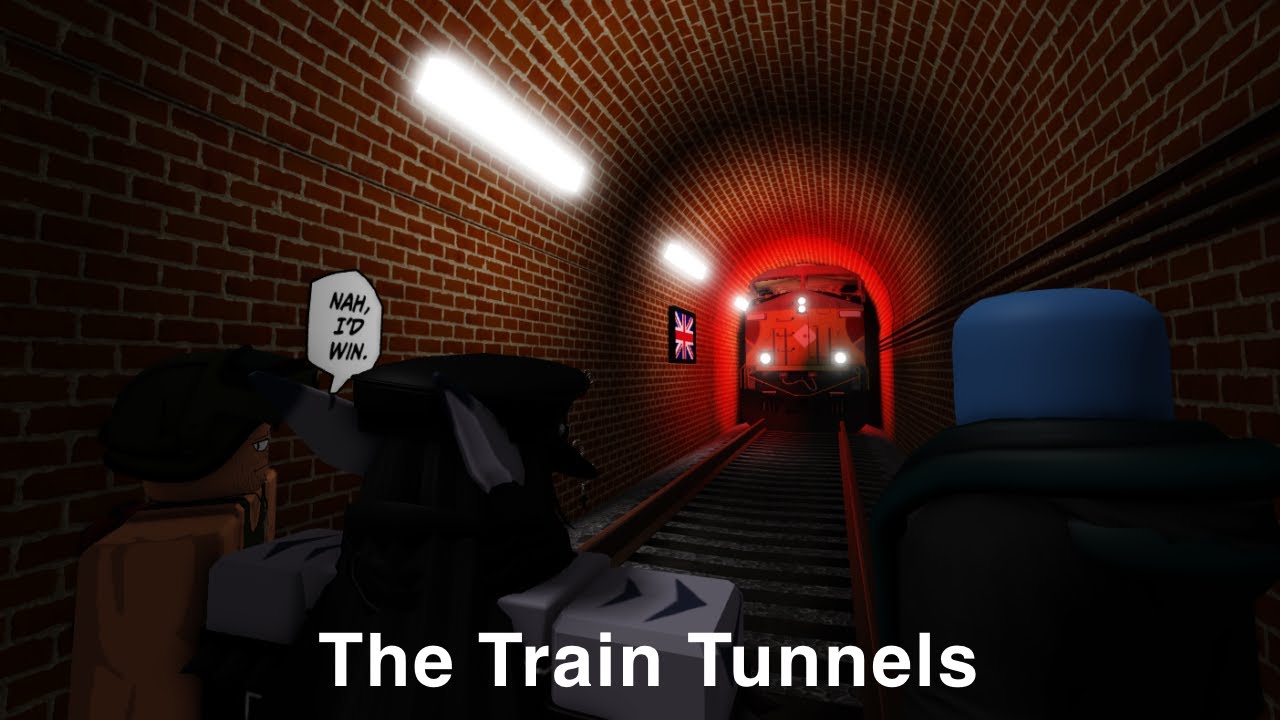
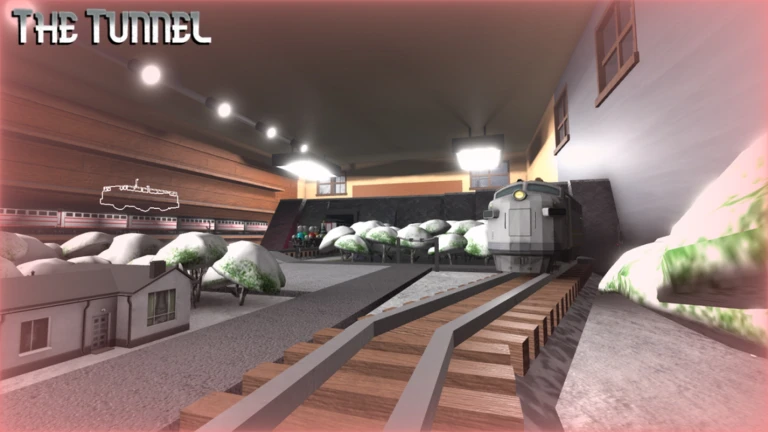


ROBLOX The Train Tunnels Roblox With The Boys Episode 14 . The Tunnel Play On Roblox NoFilter. The Train Tunnels Roblox Walkthrough Mobile YouTube . SCARY DEADLY TRAINS Roblox The Train Tunnels YouTube . The Train Tunnels ROBLOX Walkthrough YouTube


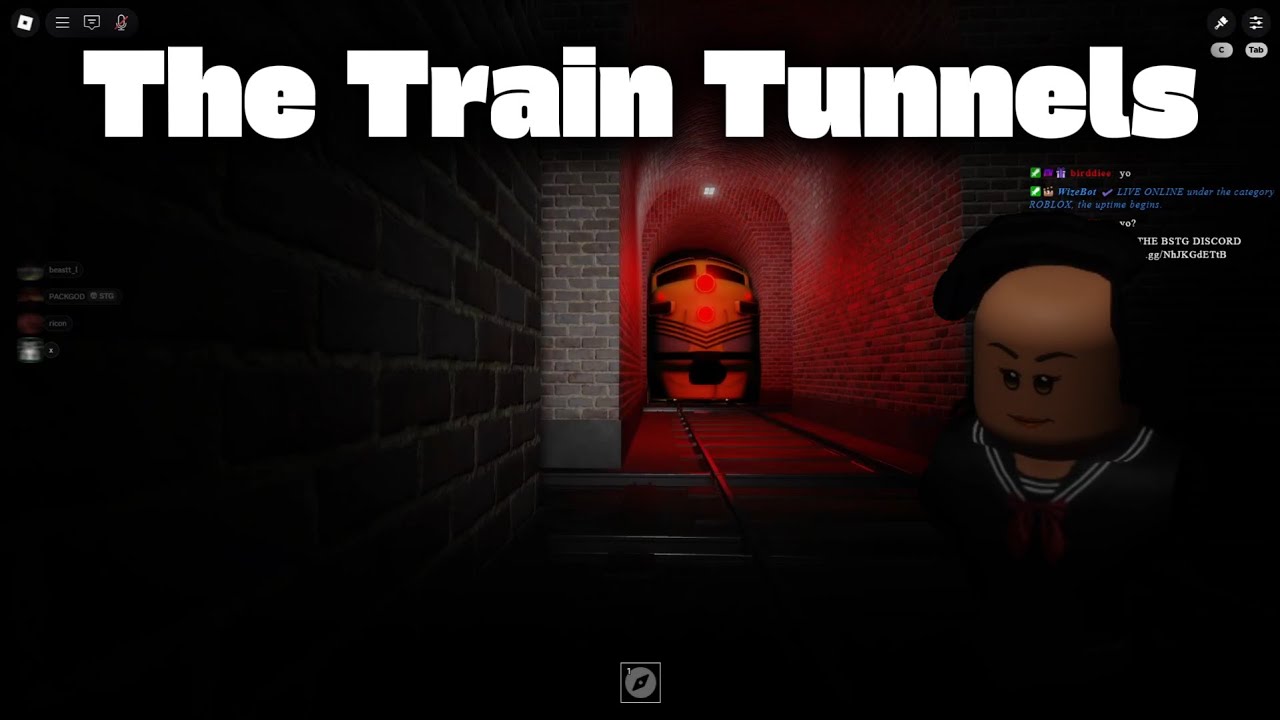
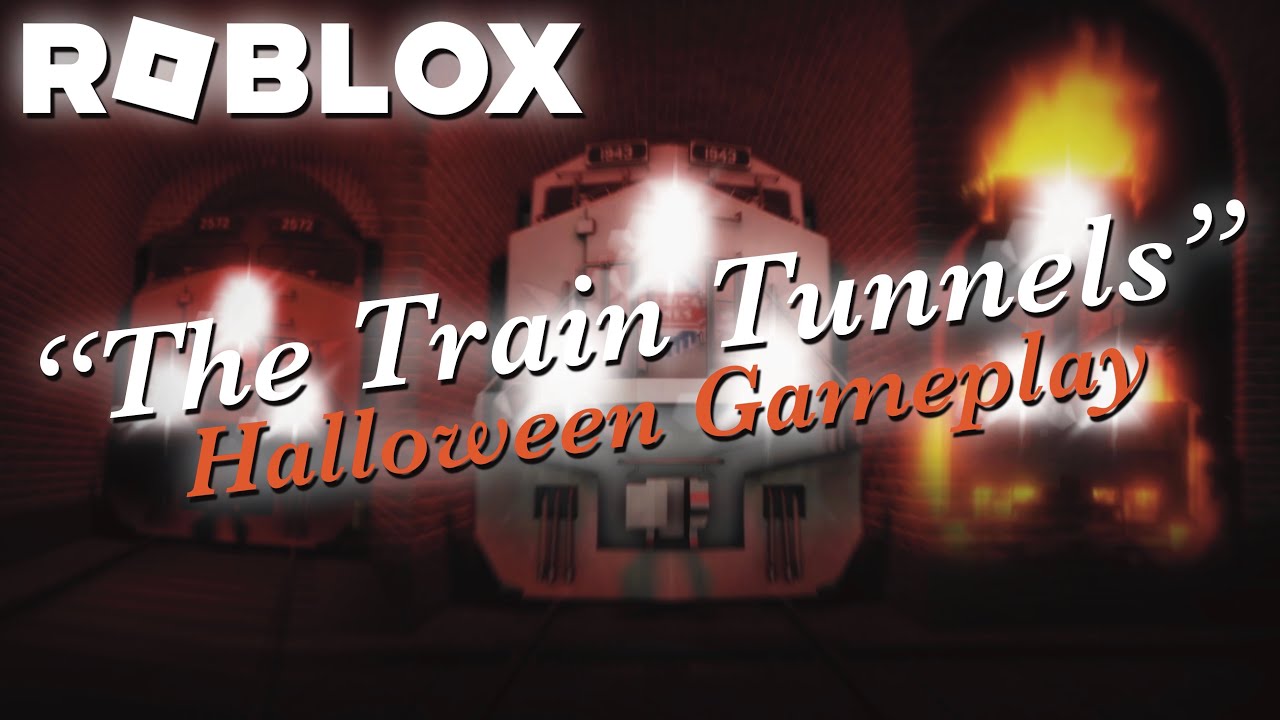
Roblox Train Tunnels Shorts YouTube Oar2 . ROBLOX The Train Tunnels Full Walkthrough HORROR YouTube . Roblox NoFilter. THIS Is The FUNNIEST GAME On ROBLOX The Train Tunnels YouTube . Roblox The Train Tunnels Halloween Gameplay YouTube
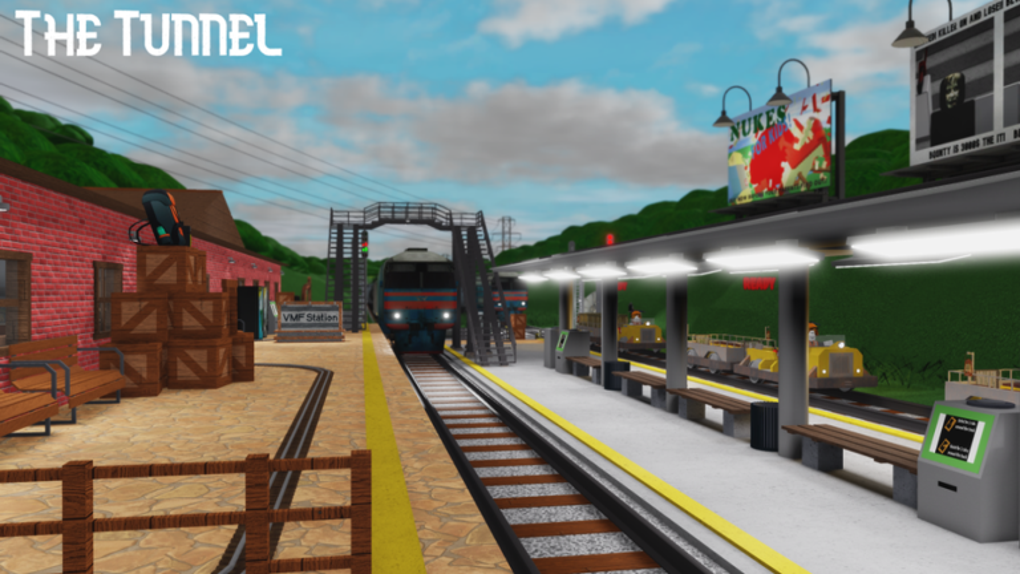


The Tunnel Original For ROBLOX Game Download The Tunnel Original Screenshot . Escaping The Train Tunnels In Roblox With My Dumb Friends YouTube Hqdefault . ROBLOX Horror Game Wher Train Tunnels Are HAUNTED YouTube . I Play THE TRAIN TUNNELS Roblox YouTube . THEY RE TOO FAST N Slow Roblox The Train Tunnels Custom Mode


Jogando The Train Tunnels Pela Primeira Vez Roblox YouTube . So Much Chaos In The Train Tunnels Roblox The Train Tunnels Attempt . The Tunnel . THE TRAIN TUNNELS ROBLOX YouTube . Treni Roblox Jpeg



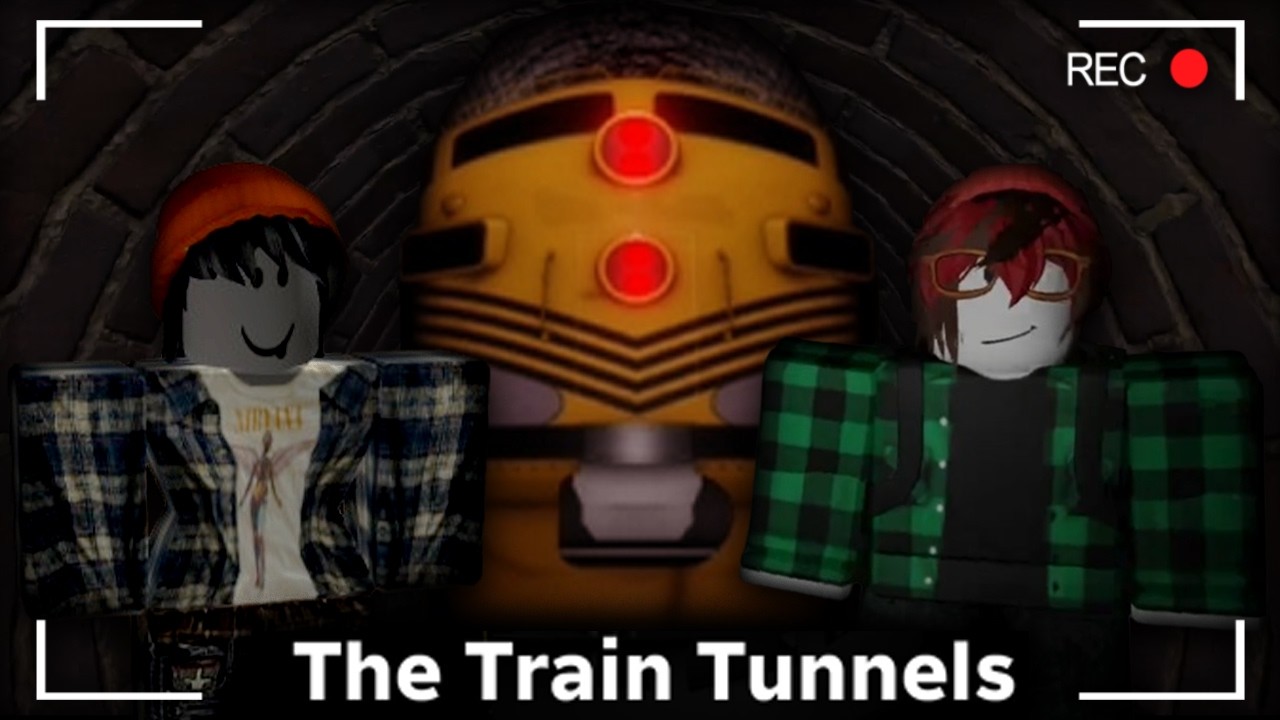
The Train Tunnels Can You Make It Out Roblox Traingame YouTube . A Roblox Horror Game But About Trains Roblox The Train Tunnels Hqdefault . DODGING TRAINS GIVES ME ANXIETY Roblox The Train Tunnels YouTube . Roblox The Tunnel Full Walkthrough YouTube Hqdefault . Roblox Train Tunnels Is TERRIFYING YouTube