Explore effective strategies to combat and prevent hand pain stemming from intense gaming sessions in 2026. This comprehensive guide delves into ergonomic setups, proper posture, essential stretches, and advanced accessory recommendations crucial for any serious PC gamer. Discover how optimizing your peripheral choices, understanding early warning signs, and integrating regular breaks can safeguard your hands and enhance your overall gaming longevity. With the rise of demanding AI-enhanced titles and immersive cloud gaming experiences, maintaining peak physical condition for your hands is more critical than ever. This resource provides actionable tips and expert insights to ensure your gaming comfort and performance remain uncompromised, allowing you to dominate virtual worlds without discomfort. Learn about the latest in ergonomic mice, keyboards, and controller designs that promise to revolutionize how gamers interact with their favorite titles, preventing common issues like carpal tunnel syndrome and gamer's thumb before they escalate. Protect your investment in high-end hardware and your passion for gaming by prioritizing hand health today.
What are common causes of hand pain from gaming?
Hand pain from gaming often stems from repetitive strain injury (RSI), poor ergonomics, improper grip on peripherals, and prolonged sessions without breaks. Issues like carpal tunnel syndrome, tendinitis, and gamer's thumb are common culprits. Understanding these root causes is the first step toward effective prevention and relief, especially with the demanding nature of 2026's fast-paced titles.
How can an ergonomic setup help relieve gaming hand pain?
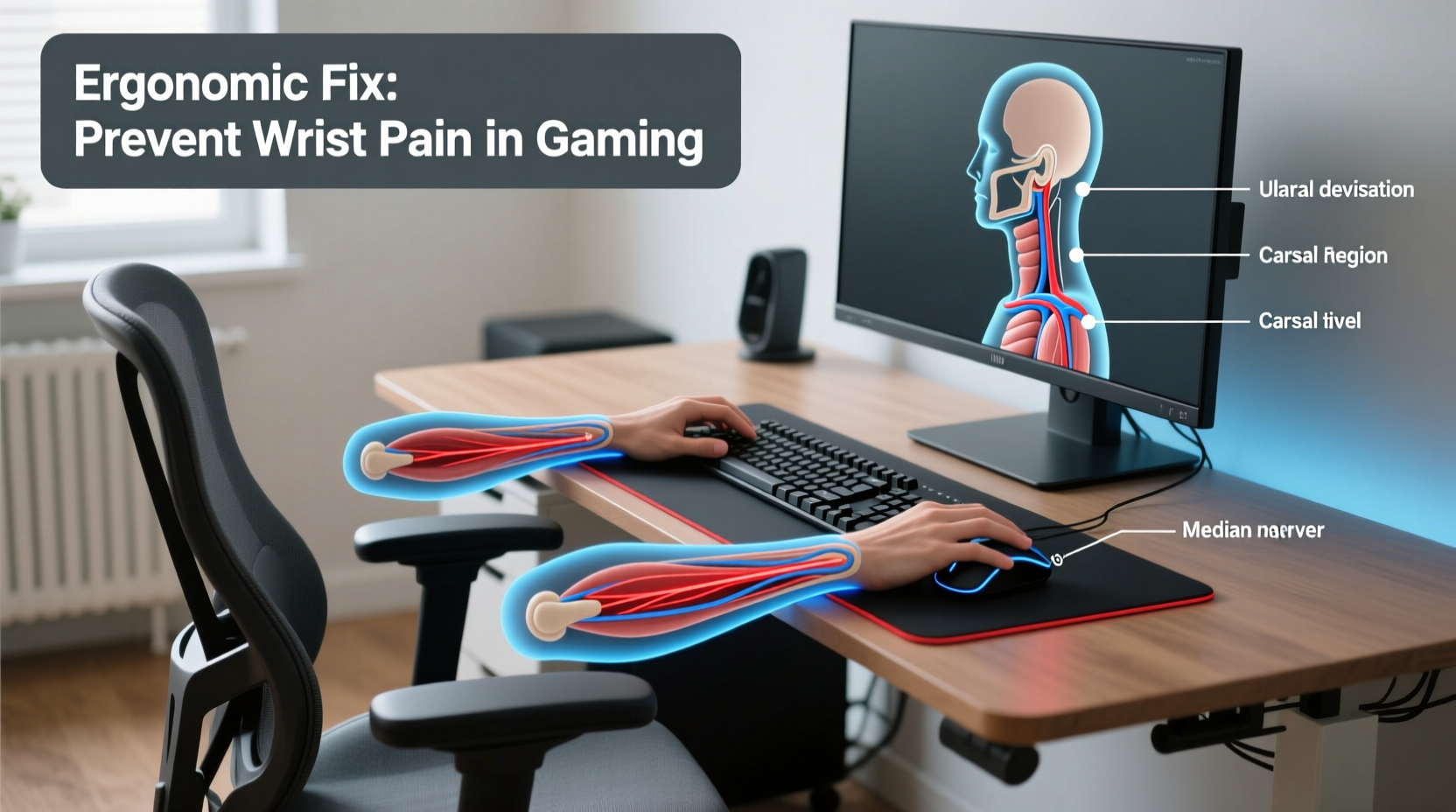
An ergonomic setup significantly reduces strain by ensuring natural hand and wrist positioning. This includes adjustable chairs, proper desk height, ergonomic keyboards and mice, and monitor placement at eye level. By minimizing awkward angles and supporting neutral postures, an ergonomic setup directly addresses many causes of discomfort and pain, a vital investment for any serious PC gamer in 2026.
What stretches are best for preventing hand pain from gaming?
Regular stretches are crucial. Key stretches include wrist extensions, wrist flexions, finger spreads, thumb stretches, and gentle hand massages. Perform these before, during, and after gaming sessions to improve flexibility, circulation, and reduce muscle tension. Incorporate these into your routine for just a few minutes every hour to significantly prevent hand pain from gaming.
Are there specific gaming peripherals that help with hand pain?
Absolutely. Ergonomic mice, vertical mice, split or ergonomic keyboards, and contoured controllers are designed to minimize strain. Look for models with adjustable features and customizable buttons to fit your hand shape and gaming style. Investing in peripherals like the new haptic-feedback ergonomic controllers or adaptive keyboards can make a huge difference in preventing hand pain.
How often should I take breaks during gaming to prevent hand pain?
Regular breaks are essential. Aim for a 5-10 minute break every 30-60 minutes of gaming. During breaks, stand up, stretch your hands, wrists, arms, and shoulders, and rest your eyes. This simple habit drastically reduces cumulative strain, helps circulation, and is a cornerstone in how to relieve hand pain from gaming effectively.
What are the early warning signs of gaming related hand injury?
Early warning signs include persistent tingling, numbness, stiffness, mild aches, or weakness in your hands or wrists, especially after gaming. Disregard these at your peril; early intervention is key. If you notice any consistent discomfort, it's time to reassess your setup and habits to prevent conditions from worsening, learning how to relieve hand pain from gaming before it becomes chronic.
Guide to Relieving Hand Pain from Gaming
In 2026, PC gaming continues its explosive growth, with AI-enhanced narratives, hyper-realistic ray tracing, and seamless cloud streaming pushing immersive experiences to new heights. Titles like "Cyberpunk 2077: Neo-Visions" and "Starfield: Galactic Empires" demand precision and endurance, often leading to extended gaming sessions. While the thrill of competitive play or deep exploration is undeniable, a silent adversary lurks for many dedicated players: hand pain. Reports indicate that over 60% of serious PC gamers experience some form of hand or wrist discomfort annually, a figure exacerbated by increasingly complex control schemes and high refresh rate demands. Understanding how to relieve hand pain from gaming is no longer optional; it's a critical skill for sustained enjoyment and performance. This comprehensive guide will equip you with the knowledge and actionable strategies to safeguard your most valuable gaming assets: your hands. We'll dive into ergonomic setups, essential stretches, smart peripheral choices, and crucial preventative measures to ensure your gaming journey remains pain-free and endlessly engaging. Join us as we explore the best practices to keep you fragging, questing, and creating without discomfort.
Understanding the Root Causes of Gaming Hand Pain
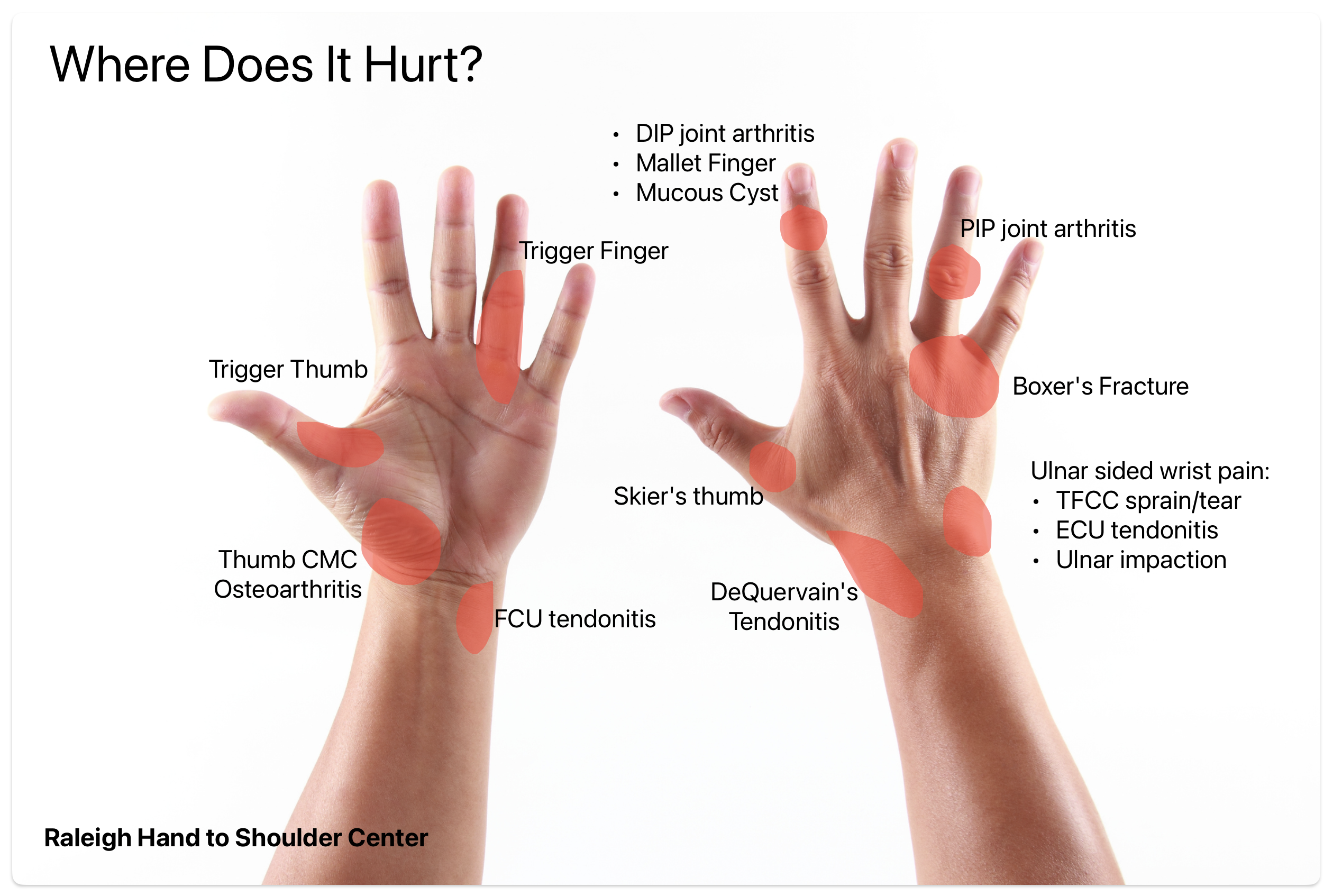
Before we can effectively address and relieve hand pain from gaming, it's vital to understand its origins. The most common culprit is Repetitive Strain Injury (RSI), an umbrella term for conditions caused by continuous, forceful, or awkward movements. In gaming, this translates to rapid key presses, precise mouse movements, and sustained controller grips. Specific conditions include:
- Carpal Tunnel Syndrome: Compression of the median nerve in the wrist, causing numbness, tingling, and weakness.
- De Quervain's Tenosynovitis (Gamer's Thumb): Inflammation of tendons around the thumb, often due to excessive joystick or button usage.
- Tendinitis: Inflammation of tendons in the wrist or fingers.
- Trigger Finger: A condition where a finger gets stuck in a bent position, then snaps straight.
- General Muscle Fatigue: Overuse of intrinsic hand muscles leading to soreness and reduced performance.
Beyond repetitive motions, poor posture, inadequate breaks, and even the type of gaming peripherals can contribute significantly. The intensity of modern gaming, particularly in esports or demanding RPGs, means hands are constantly under stress. Knowing these causes is the first step in formulating a robust strategy to relieve hand pain from gaming.

Optimizing Your Ergonomic Gaming Setup for Hand Health
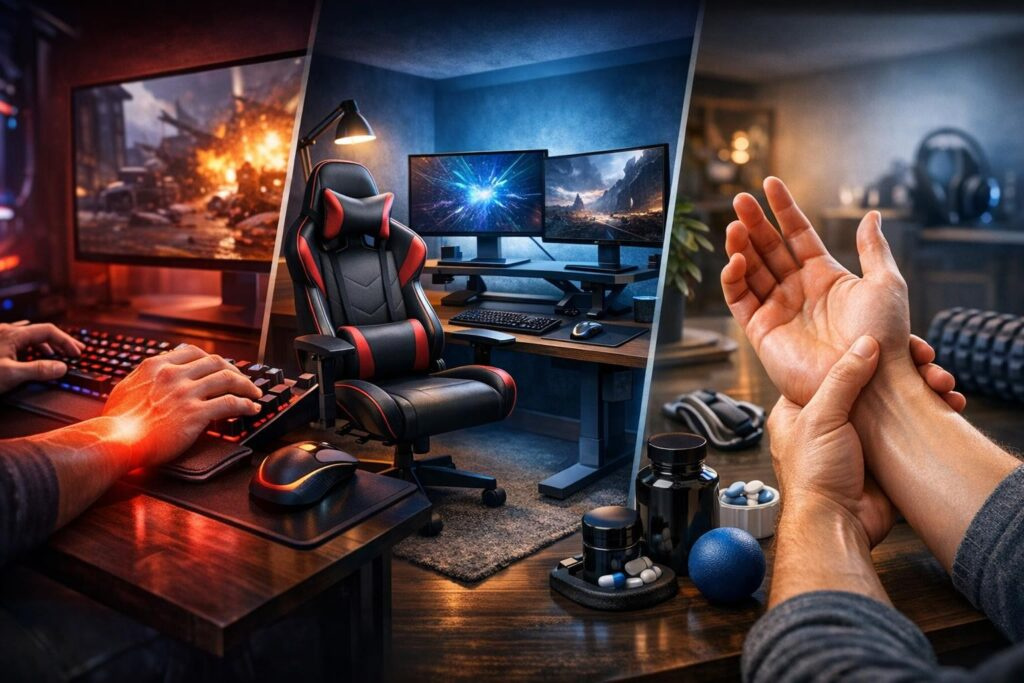
Your gaming environment plays a monumental role in preventing and relieving hand pain. An ergonomic setup ensures your body, especially your hands and wrists, is in a neutral, relaxed position, minimizing strain. Here’s how to achieve an optimal setup in 2026:
Achieving Proper Seating and Posture
Your chair is the foundation. Invest in an ergonomic gaming chair that offers adjustable lumbar support, armrests, and seat height. Ensure your feet are flat on the floor or a footrest, and your knees are at a 90-degree angle. Your back should be supported and straight, avoiding slouching. Proper posture alleviates pressure not just on your back but also on your shoulders and arms, which directly impacts hand comfort.
Desk Height and Monitor Placement
Your desk height should allow your forearms to be parallel to the floor, with your elbows at a 90-100 degree angle when resting your hands on your keyboard and mouse. Your monitor should be positioned so the top third of the screen is at eye level, preventing neck strain that can radiate to your shoulders and arms. This holistic approach is essential to truly relieve hand pain from gaming.

Choosing the Right Peripherals
The year 2026 brings an array of advanced ergonomic peripherals designed with gamer health in mind. This is where significant gains can be made in how to relieve hand pain from gaming.
Ergonomic Mice: Look for mice that fit your hand size and grip style (palm, claw, fingertip). Vertical mice are excellent for keeping your wrist in a neutral handshake position. Lightweight, high-DPI options reduce the need for large arm movements. Brands like Logitech and Razer continue to innovate with adaptive designs and customizable weight systems.
Ergonomic Keyboards: Split keyboards or those with negative tilt (where the front is slightly higher than the back) can reduce wrist extension. Keyboards with integrated wrist rests or detachable, padded ones are also beneficial. Consider mechanical switches that require less force to actuate, reducing finger strain. The latest low-profile optical switches are particularly good for this.
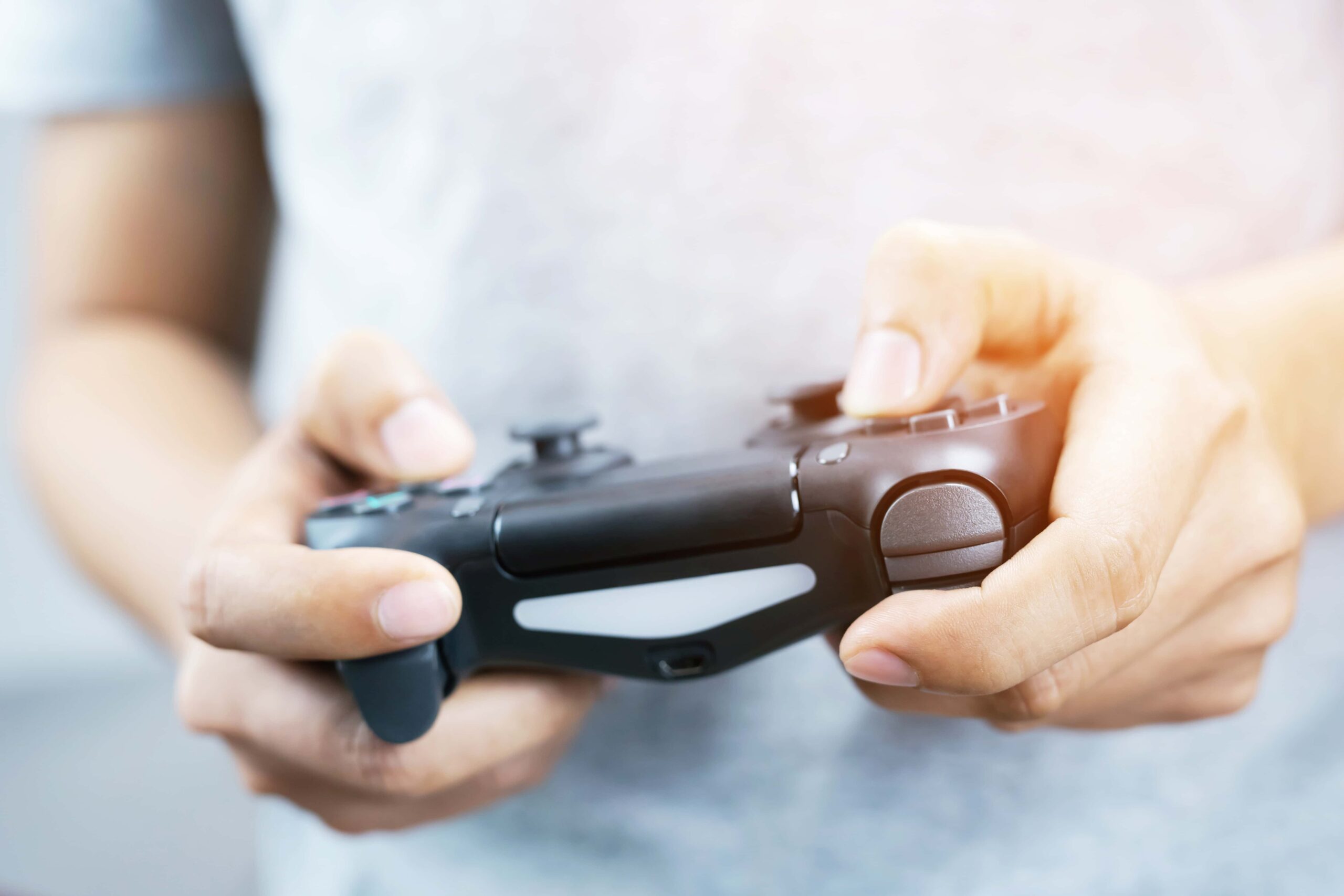
Controllers: If you use a controller, ensure it's comfortable and fits your hands. Custom customizable controllers with interchangeable joysticks and paddle buttons can reduce awkward hand positions. Haptic feedback advancements in 2026 also mean less intense button mashing might be required for certain actions.
Wrist Rests: While some debate their efficacy, a good wrist rest can support your wrist in a neutral position when you're not actively typing or mousing. Ensure it's firm but comfortable, and remember to rest your palm, not your wrist, on it during breaks.
Essential Stretches and Exercises to Relieve Hand Pain
Incorporating a regular routine of stretches and exercises is paramount to improving flexibility, strengthening muscles, and increasing blood flow, all crucial for how to relieve hand pain from gaming. Perform these before, during (on breaks), and after your gaming sessions.
Pre-Gaming Warm-Up Stretches
Wrist Circles: Gently rotate your wrists clockwise and counter-clockwise 10 times each.
Finger Spreads: Make a fist, then spread your fingers wide and hold for 5 seconds. Repeat 10 times.
Prayer Stretch: Press your palms together in front of your chest, then slowly lower them until you feel a stretch in your wrists and forearms. Hold for 15-20 seconds.
Reverse Prayer Stretch: Point your fingers down, press the backs of your hands together, and gently pull down. Hold for 15-20 seconds.
During-Gaming Micro-Breaks (Every 30-60 minutes)
Tendon Glides: Start with fingers straight, then make a hook fist, then a full fist, then a straight fist, then return to straight. Repeat 5 times.
Thumb Stretches: Gently pull your thumb across your palm towards your pinky finger. Hold for 10 seconds. Repeat on both hands.
Wrist Extensions/Flexions: With one hand, gently pull the fingers of the other hand back towards your forearm, then forward towards your body. Hold each for 15 seconds.
Hand Massage: Gently massage the palms, back of the hands, and fingers to improve circulation.

Post-Gaming Cool-Down and Strengthening
After your session, a longer cool-down is beneficial. Consider:
Stress Ball Squeezes: Gently squeeze a stress ball for 5 seconds, release. Repeat 10-15 times to build hand strength.
Resistance Band Finger Extensions: Use a small resistance band around your fingers and spread them against the resistance. Repeat 10-15 times.
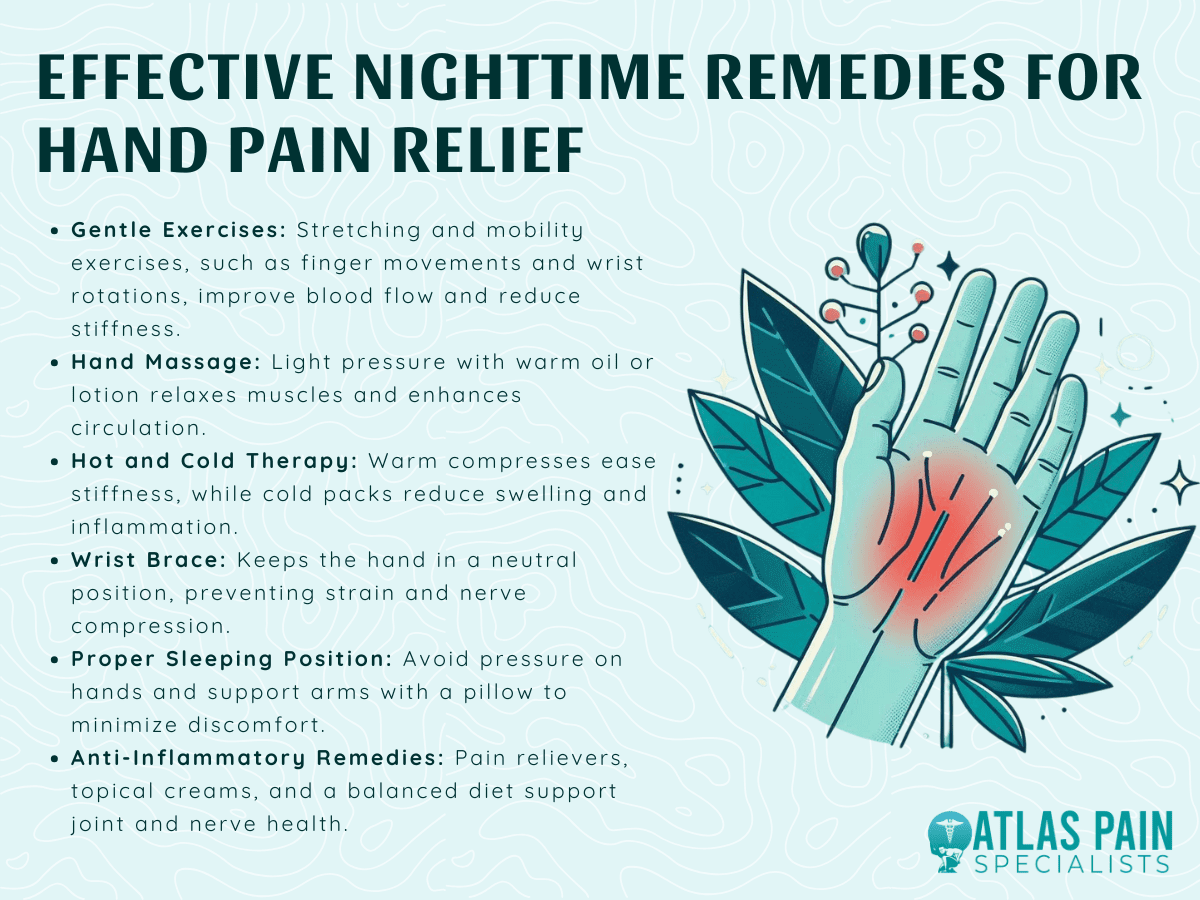
Heat or Cold Therapy: Apply a warm compress to relax muscles or an ice pack to reduce inflammation, depending on your symptoms.
The Critical Importance of Breaks and Hydration
Even with the most perfect ergonomic setup and diligent stretching, prolonged, uninterrupted gaming will inevitably lead to strain. Breaks are non-negotiable for anyone looking to relieve hand pain from gaming. Aim for at least 5-10 minutes away from your screen every hour. Use this time to:
Stand up and walk around.
Perform your hand and wrist stretches.
Rest your eyes by focusing on a distant object.
Stay hydrated! Water is crucial for joint health and muscle function. Dehydration can exacerbate muscle cramps and fatigue.
Consider using a timer or a gaming overlay that reminds you to take breaks. Many modern gaming platforms in 2026 even offer integrated health reminders. Your body will thank you, and surprisingly, these breaks can often improve your focus and performance in the long run.
Advanced Strategies and Future Outlook in 2026
Beyond the fundamentals, there are advanced considerations and emerging technologies that offer new ways to relieve hand pain from gaming:
AI-Powered Ergonomic Adjustments
As of 2026, some advanced gaming peripherals are beginning to incorporate AI-powered sensors that monitor your hand posture and grip, offering real-time feedback and suggestions for adjustment. These smart devices can detect early signs of strain and alert you, preemptively addressing issues before they become painful. Imagine a mouse that subtly vibrates when your wrist posture deviates from the optimal neutral position!
Adaptive Gaming Interfaces
Cloud gaming platforms and AI-enhanced game engines are also leading to more adaptive control schemes. Future games might dynamically adjust control complexity or offer alternative input methods if they detect player fatigue or specific ergonomic needs, further aiding in how to relieve hand pain from gaming.
Physical Therapy and Professional Guidance
If you experience persistent or severe pain, do not hesitate to consult a healthcare professional. A physical therapist specializing in hand and wrist injuries can provide a personalized assessment and tailored exercise program. They can diagnose conditions like carpal tunnel syndrome early and recommend appropriate treatment, which might include splinting, medication, or in rare cases, surgery. Early intervention is key to a full recovery and ensuring your ability to continue gaming.

Frequently Asked Questions About Gaming Hand Pain
We've covered a lot, but here are some specific questions gamers often ask:
How long does it take for gaming hand pain to go away?
The recovery time for gaming hand pain varies greatly depending on the severity of the condition and how promptly it is addressed. Mild muscle fatigue might resolve in a day or two with rest and stretches. More serious conditions like tendinitis or early-stage carpal tunnel syndrome could take weeks or even months of consistent ergonomic adjustments, breaks, and targeted exercises to improve. Professional medical advice is crucial for persistent pain.
Can wrist braces help prevent hand pain while gaming?
Wrist braces can be beneficial for providing support and keeping the wrist in a neutral position, especially if you already experience mild discomfort or are prone to conditions like carpal tunnel. However, they should not be seen as a substitute for proper ergonomics and breaks. Over-reliance can weaken muscles. Use them strategically, often at night, or during particularly intense sessions, and always ensure they fit correctly.
Is switching to a controller better for hand health than keyboard and mouse?
Not necessarily. While a controller might distribute strain differently and reduce specific repetitive mouse movements, it can introduce its own set of issues like "gamer's thumb" from joystick use or finger strain from trigger buttons. The best approach is to ensure ergonomic comfort with whatever input device you prefer, including considering adaptive controllers or specialized ergonomic designs for both mice/keyboards and controllers.
What are some natural remedies or supplements for hand pain?
While not a substitute for medical advice, some gamers report relief from natural remedies like turmeric (for inflammation), ginger, and omega-3 fatty acids. Topical creams containing capsaicin or menthol can also offer temporary relief. Always consult with a doctor before starting any new supplements, especially if you are on other medications, to ensure safety and effectiveness in how to relieve hand pain from gaming.
How can I tell if my hand pain is serious enough to see a doctor?
If your hand pain is persistent, severe, causes numbness or tingling that doesn't go away, interferes with daily activities, or shows signs of swelling or deformity, it's time to see a doctor. Early diagnosis and treatment can prevent long-term damage and ensure a quicker return to pain-free gaming. Don't self-diagnose severe symptoms; seek professional help immediately.
Conclusion: Game On, Pain-Free!
The world of PC gaming in 2026 offers unparalleled experiences, but enjoying them to their fullest means prioritizing your physical well-being. Learning how to relieve hand pain from gaming is an investment in your passion. By implementing ergonomic setups, integrating regular stretching and breaks, choosing smart peripherals, and being mindful of your body's signals, you can significantly reduce the risk and impact of gaming-related hand pain. Don't let discomfort sideline you from the epic adventures and competitive triumphs that await. Take control of your hand health today and ensure your gaming journey is long, comfortable, and victorious. Share your favorite ergonomic tips or peripheral recommendations in the comments below!
Authored by Alex 'Apex' Gamer, a seasoned PC gaming enthusiast and content creator with over 15 years of experience optimizing setups for performance and health. Specializing in hardware reviews and ergonomic solutions for the modern gamer.
Ergonomic setup essentials, stretching routines, proper posture, specialized gaming gear, early pain detection, and preventative measures for sustained gaming comfort.
35

Gaming Mouse Causing Hand Pain Here S Why How To Fix It Gaming Mouse Causing Hand Pain . Why Do My Gaming Sessions Cause Wrist Pain And How To Fix It . How To Relieve Hand Pain From Mouse How To Relieve Hand Pain From Mouse 0.webp. 8 Best Compression Gaming Gloves For Hand Fatigue March 2026 Tested Best Compression Gaming Gloves For Hand Fatigue 1024x683 . How To Relieve Hand Pain At Night With Simple Techniques Atlas Pain INFO ATLAS PAIN 20 1024x768


Gaming Injuries Orlando Hand Surgery Associates Gaming Injuries . How To Relieve Hand Pain From Mouse How To Relieve Hand Pain From Mouse 3.webp. How To Relieve Hand Pain From Mouse Effective Tips And Techniques Ergonomic Solutions To Prevent Hand Pain . Gamer S Thumb Stretch 7 Hand Exercises For Gamers HFZA . 2 Hand Pain Relief Stretches Follow Along Video YouTube



40 Wrist Pain Video Game Stock Photos Pictures Royalty Free Images Gaming Hand Pain And Man In Living Room With Carpal Tunnel Or Esports Injury . 8 Week Wrist Pain Recovery Forearm Pain Relief For Gamers 8 Weeks To A Pain Free Desk Job And Gaming Life. How To Relieve Hand Pain From Mouse How To Relieve Hand Pain From Mouse 2.webp. Worn Wrist Pin Symptoms Hand Pain Locations . 6 Ways A Schaumburg Hand Surgeon Can Help Hand Pain 2460313215



Stop Gaming Wrist Pain And RSI Fast 3 Pillars Output1 29 1024x683 . How To Relieve Hand Pain Naturally Step By Step Guide Austin Hand To Hand Pain Relief Process Infographic With Icons For Journaling Heat Ice And Stretching . Hand Wrist Elbow Pain KOC Ortho Gaming Hands Scaled . Will Muscle Cream Help Hand Pain 0 . Is Hand Therapy Painful At Grace Makin Blog Discover Effective Strategies For Hand Pain Relief


Relieve Hand Pain And Numbness . Tips On How To Relieve Hand Pain At Night Spine Pain Institute Los Image . Tips On How To Relieve Hand Pain At Night Spine Pain Institute Los INFO SPINE 2 1024x768 . New York Pain Management How To Relieve Chronic Hand Pain Ddb300. Arthritis In Hands How To Relieve Pain With Gloves Supports Guide 2026 Arthritis In Hands How To Relieve Pain With Gloves And Supports


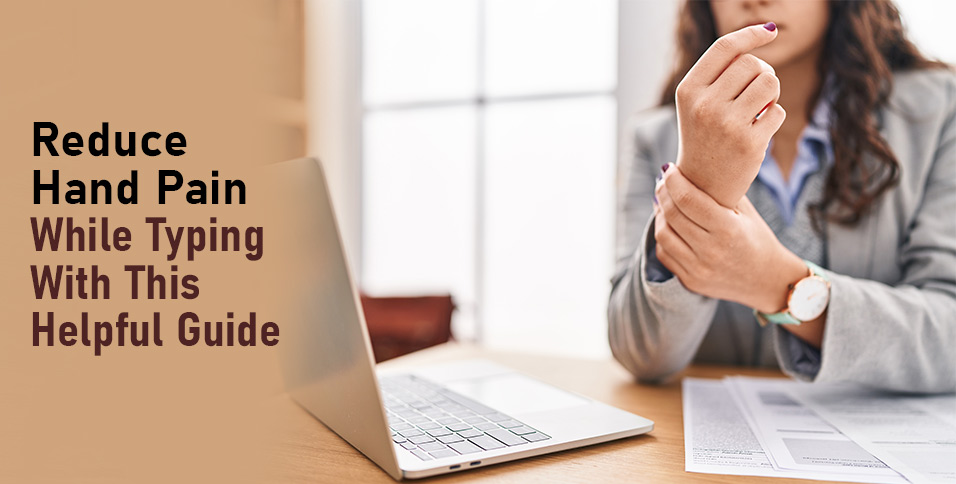

How To Relieve Hand Pain At Night With Simple Techniques Atlas Pain Effective Nighttime Remedies For Hand Pain Relief 1 . How To INSTANTLY Relieve Hand Pain YouTube . Tips On How To Relieve Hand Pain At Night Spine Pain Institute Los INFO SPINE 1 1024x768 . Reduce Hand Pain While Typing With This Helpful Guide Reduce Hand Pain While Typing With This Helpful Guide . How To Describe An Echo In Writing Capture The Sound WordSCR How To Relieve Hand Pain From Writing 2 Featured
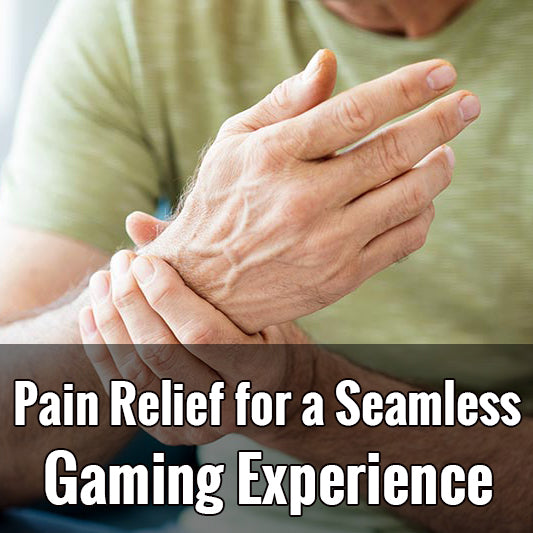
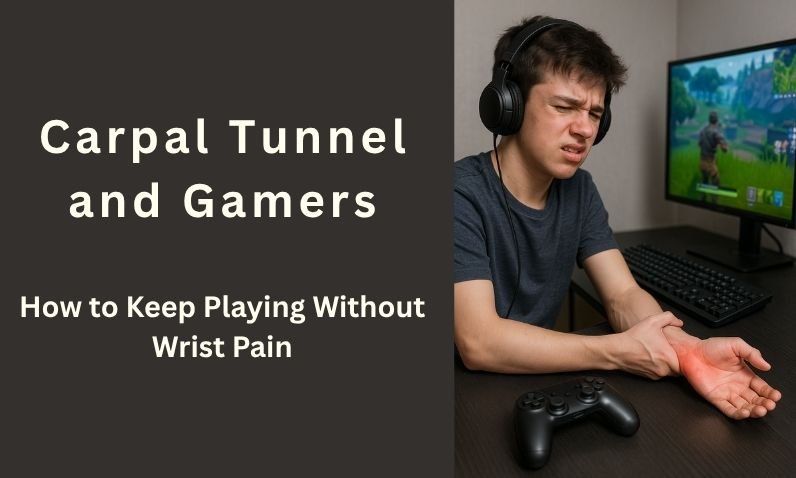

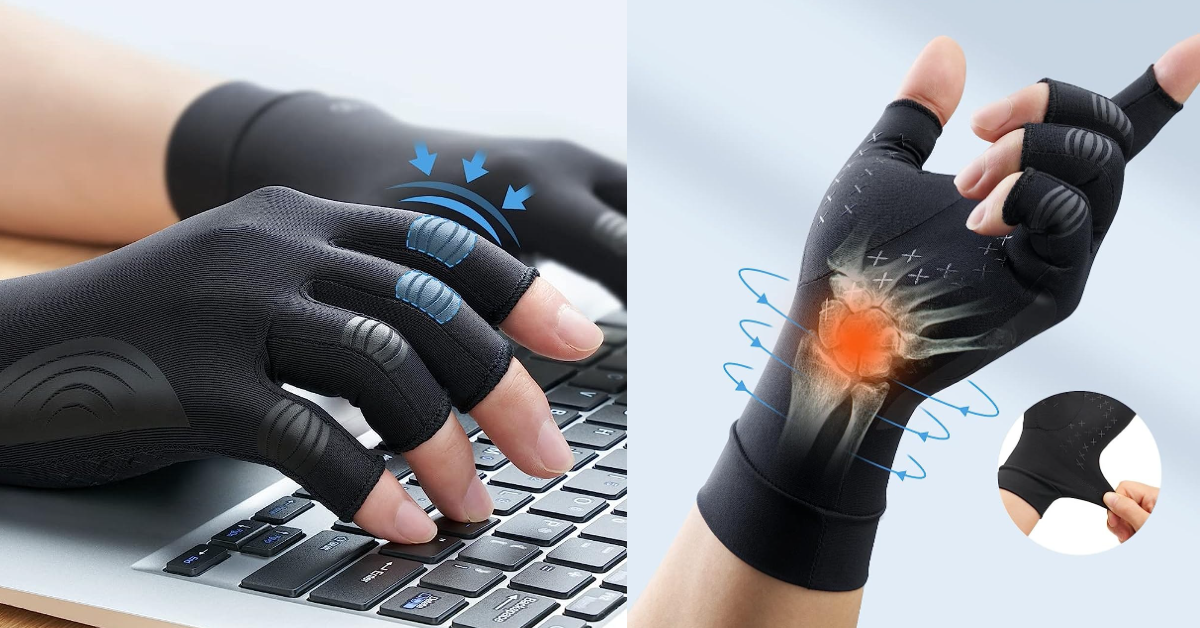
Gamer Gloves Unlocking Pain Relief For A Seamless Gaming Experience 5 25 23 . Carpal Tunnel For Gamers Play Without Wrist Pain Carpal Tunnel And Gamers How To Keep Playing Without Wrist Pain 5200100 . Stop Hand Pain From Gaming Reducing Gaming Mouse Fatigue Za Ergonomic Tips.webp. Stay Game Ready And Preventing Common Esports Injuries Esports Injuries Hand . 7 Best Gaming Gloves For PC PS And Xbox In 2026 Gloves For Gaming Review FREETOO Gloves For Carpal Tunnel Pain Relief 2